Salmon cook recipes1.0
Publisher Description
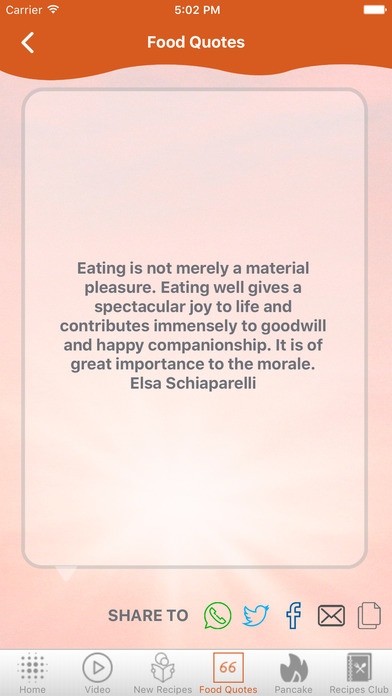
This Salmon cook recipes App .
Salmon Cook Recipes
Speedy Salmon Casserole
Skrie Salmon
Seared Salmon with Balsamic Sauce
Paper Salmon
Cedar Planked Salmon
Grilled Salmon with Curried Peach Sauce
Grande Ravioli Salmone e Vedure
Smoked Salmon Pasta with Scotch
Videos
Seared Salmon With Lemon Butter Sauce - Pan Seared Salmon Recipe - Dishin' With Di # 133
Gordon Ramsay's Crispy Salmon Recipe HD
Easy Glazed Salmon Recipe with 4 Ingredients (Most popular healthy salmon recipe)
Lemon Baked Salmon Recipe
Cooking Salmon at Home
Salmon Recipe - Best Crispy Skin Salmon
The BEST Baked Salmon Recipe (Honey Teriyaki)
Salmon Fish Curry recipe - How to cook Indian style Salmon Fish curry
Canned Salmon Recipe -- Salmon Burgers
HOW TO COOK SALMON - Greg's Kitchen
Download and Enjoy reading Salmon cook recipes
Requires iOS 6.1 or later. Compatible with iPhone, iPad, and iPod touch.
About Salmon cook recipes
The company that develops Salmon cook recipes is E-Healthcare Solutions LLC. The latest version released by its developer is 1.0.
To install Salmon cook recipes on your iOS device, just click the green Continue To App button above to start the installation process. The app is listed on our website since 2016-09-26 and was downloaded 6 times. We have already checked if the download link is safe, however for your own protection we recommend that you scan the downloaded app with your antivirus. Your antivirus may detect the Salmon cook recipes as malware if the download link is broken.
How to install Salmon cook recipes on your iOS device:
- Click on the Continue To App button on our website. This will redirect you to the App Store.
- Once the Salmon cook recipes is shown in the iTunes listing of your iOS device, you can start its download and installation. Tap on the GET button to the right of the app to start downloading it.
- If you are not logged-in the iOS appstore app, you'll be prompted for your your Apple ID and/or password.
- After Salmon cook recipes is downloaded, you'll see an INSTALL button to the right. Tap on it to start the actual installation of the iOS app.
- Once installation is finished you can tap on the OPEN button to start it. Its icon will also be added to your device home screen.
